 OrdenTip
Repair orders for service teams
In OrdenTip, front desk staff and technicians share one order per device. Track a repair from the reported fault through quote approval, accessory return and payment.
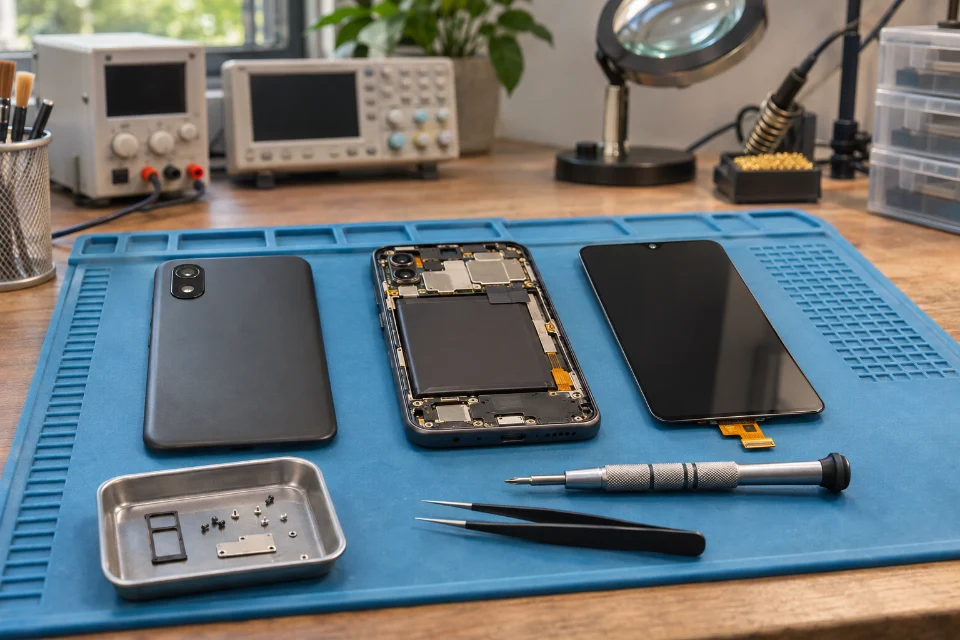
One record per device
At intake, note the model, reported fault, accessories and visible condition. Photograph existing damage and give the customer an intake receipt. If a customer brings two devices, open a separate order for each.
From diagnosis to approval
Itemize parts and labor in the quote. Customers can review the price through their link. If you discover a second fault, prepare an amendment so the original approved scope stays on record.
Handover and service history
Record the final checks and review the balance before returning the device and accessories. If the customer comes back later, your team can look up the previous repair.
How a laptop moves from the counter to the repair bench
- Front desk
- A customer drops off a laptop and its power supply. Reception opens the order, records that it shuts down when unplugged and issues a receipt. The technician knows which charger to use when reproducing the fault.
- Quote and part
- The technician confirms the diagnosis and quotes for the battery and fitting. The front desk shares the quote link. The buyer can check which option the customer approved before ordering the part.
- Collection
- At collection, staff check the final test, confirm the power supply was returned and record the outstanding payment. If the customer returns with a similar fault, staff can look up the earlier repair in their customer record.
How do I manage two repairs for the same customer?
Suppose a customer leaves a phone and a tablet with one charger. Open an order for each device and note which one holds the charger. You can return the tablet while the phone is waiting for a part. The customer record brings the transactions together, and each order keeps its own diagnosis, quote and handover details.
How do I answer a customer while the technician is busy?
Open the order and check the latest decision. If the quote has been sent, share its link again. If a part is on order, check the goods receipt before promising a date. Record the next action so the next shift can follow up.
Guides for this industry
Set up your first job
Try the workflow with a typical shop repair. Enter the device, assign the job and prepare the quote the customer will see.
Create my OrdenTip account