 OrdenTip
Managing print and signage orders
Keep the print quote, reference file and run specifications together in OrdenTip. Design, front desk and production staff can refer to the same order through collection.
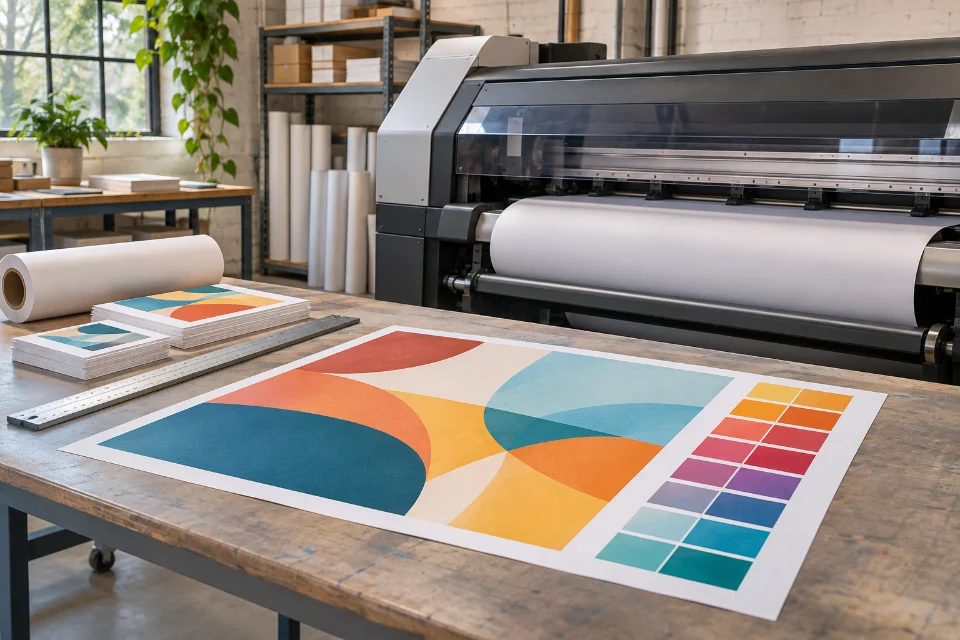
Specifications that stay with the order
Record finished size, quantity, substrate, finish and delivery date. For a banner, include eyelet positions. Use the same specifications to prepare the quote and check the finished job.
Changes before production
Give each file a version and record which one the customer approved. If they request a different substrate or extra units, quote the difference separately and update the agreed schedule.
Before dispatch
Attach the approved proof to the order. Before packing, compare a sample with that proof and record the quantity leaving, the person collecting it and any outstanding balance.
How a print shop tracks a 500-leaflet run
- The counter prepares the quote
- Enter 500 copies, trim size, stock, double-sided printing and folding. Itemise design and production if charged separately. The customer gets a quote link, and the order holds the information the operator will need.
- Design hands over to production
- When the customer signs off the artwork, keep the identified file and record how approval came in. Price acceptance and proof approval are separate decisions. If a correction arrives, identify the version the operator should use.
- Handover to the customer
- At collection, check the quantity, finish, deposit and balance on the order. If the customer requests another 500 next month, use the earlier order number to recover the reference and quote the new run at current costs.
How do I prevent an old file from going to print?
For 300 labels in two designs, state how many to print of each and record both approved filenames. When a revision arrives, specify which file it replaces. This gives the operator a precise instruction instead of “use the last one I sent.”
How do I record a reprint or extra units?
If the customer increases the run from 300 to 400 before production, calculate the extra materials and time, prepare an amendment and wait for approval. If they request another run after collecting the first, open a new order and reference the original to retrieve its size, substrate and finish.
Guides for this industry
Set up your first job
Enter a print job with its format, run length and finish so the front desk and production team can work from the same reference.
Create my OrdenTip account